
Supercharge Adobe Express with CI HUB
All your creative assets at your fingertips!
Overview
How does CI HUB enhance
Adobe Express?
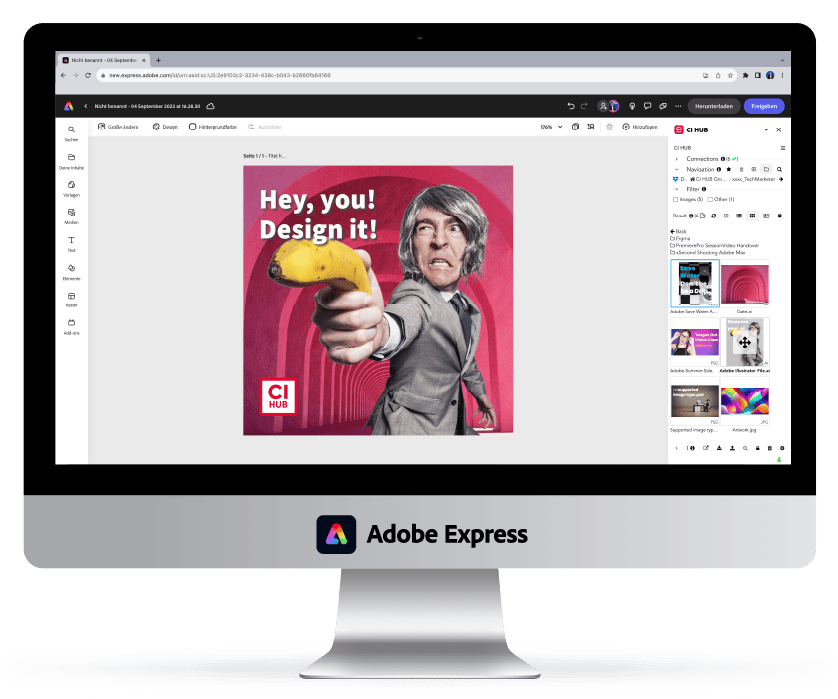
With Adobe Express, content creation is turbo-charged. So don’t let finding what you need slow you down! Access your DAM and cloud storage assets without ever leaving your app. Easily create social graphics, short videos, and more to stand out on social and beyond.
Powerful Features Designed for Creatives
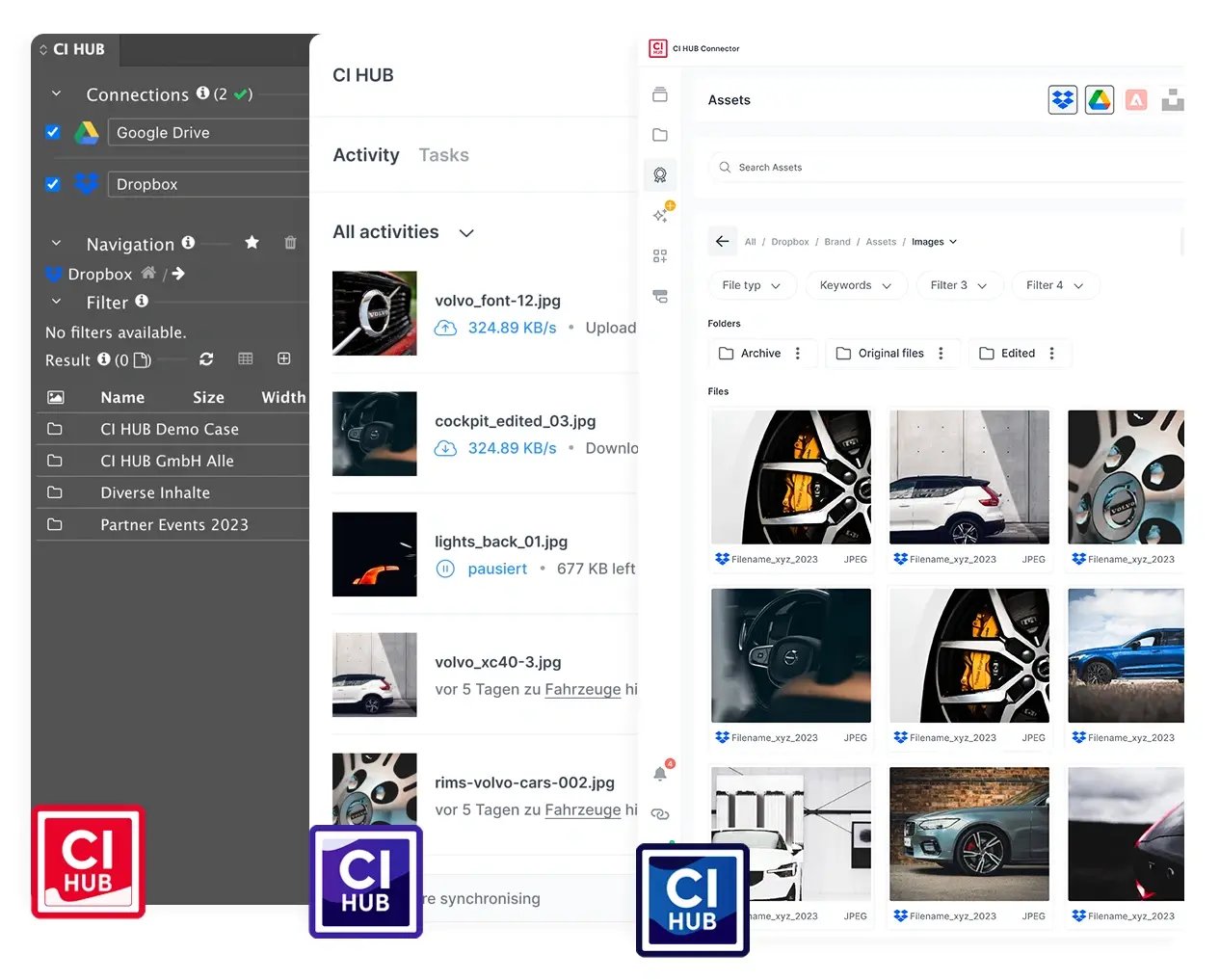
No more switching between apps. With CI HUB, access all of your assets – images, fonts, logos and more – from a variety of cloud storage and DAM systems right within Adobe Express. Save time and streamline your workflow.
CI HUB aggregates information and assets from all connected sources and systems into one diverse data pool that is accessible within Adobe Express. This greatly increases your efficiency, so you can spend more time creating great content.
With the bidirectional exchange feature, everyone can access and edit files in Adobe Express together. Edit documents in different applications with track changes, leave comments, chat and collaborate with your team, no matter where they are.
Work Smarter withSeamless Integrations
-1.png?width=580&height=435&name=4_3%20(1)-1.png)
Discover how you can integrate Adobe Express into your workflow with CI HUB

Empower Your Adobe Express Workflow with CI HUB

Easy browsing
Browse DAM, MAM, PIM, cloud storage, stock providers, or any supported work management system within Adobe Express.

Drag & Drop
Simply drag & drop images, icons, and graphics into your Adobe Express template. Likewise, you can also drop metadata into your design.

Premium Functionality
CI HUB supports an endless variety of asset types, such as images, videos, graphics, layout files, and metatexts.

No More Manual Uploads
Save your files into any connected PIM, DAM, or cloud storage system to automate your file uploads. Easily access them with any connected application on your computer, tablet, or phone.

Secure
CI HUB ensures secure workflows compliance with all data privacy regulations, keeping your files safe and protected.
In addition to Adobe Express, CI HUB is also available for:

Adobe Creative Cloud
Adobe Photoshop, Indesign, InCopy, Illustrator, Premiere Pro, After Effects and Adobe Express.

Microsoft 365
Quickly access brand assets in Word, PowerPoint, Excel, Outlook, and SharePoint.

Google Workspace
Google Docs, Google Slides and Google Sheets.

Canva
Connect your DAM directly to Canva and access all your digital assets like pictures, texts, logos and more from within Canva with ease.

Figma
Boost your creativity and streamline workflows with CI HUB for Figma.

Sketch
Import assets into Sketch to design stunning UI/UX with ease.

Salesforce
Craft personalized experiences that captivate and convert with Salesforce.

WordPress
Access the data and assets your need to build your website without leaving WordPress.


“By solving many of the problems associated with traditional DAM connectivity, CI HUB is truly a game changer in the field of connectivity tools.“

Marc Konik
Vice President of Technology, PureRed
40%
Reduction in workload
+60 Leading
Tools connected
Take your creative work to the next level.
Start Free Trial





.webp?width=54&height=54&name=MS_Powerpoint%20(1).webp)
.webp?width=54&height=55&name=MS_Word%20(1).webp)


